
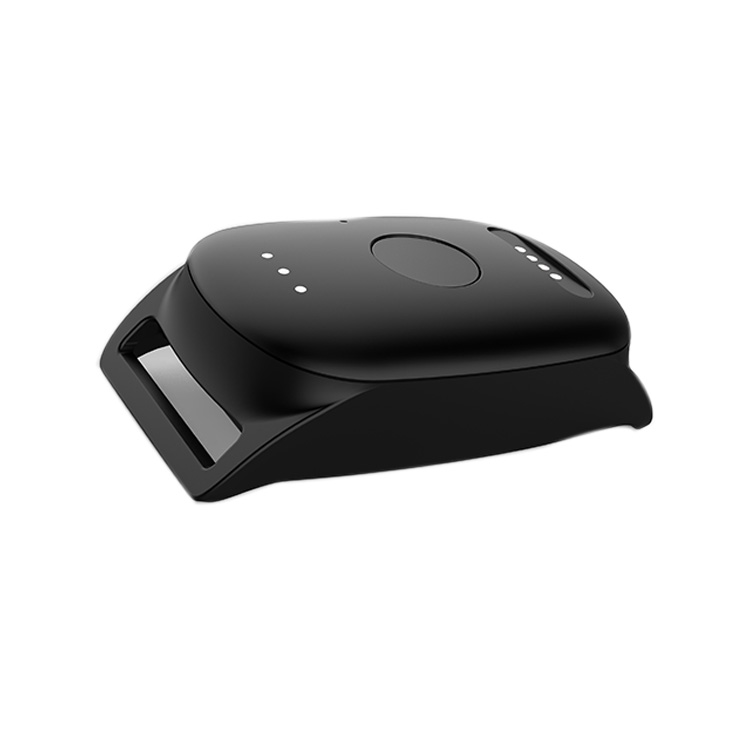
WaldoPet Base Quick Start Guide

1. Charging
– Charge for 1 hour before use
– Place device flat to charge for the cable to connect
– Red LED will blink when charging and soild when fully charged

2. Turning on and off
– Press and hold the power button for one second to turn on
– Press and hold the power button for 15 seconds to turn off

3. Download the app
– Search KatchU on Google Play or Apple’s App Store
– Install the app

4. Create an account
– Follow the prompts by adding a name, email, and creating a password

4. Base unit
– Choose 201M for the WaldoPet Base
6. Add in IMEI number
– The IMEI number is listed on the side of the devices box
– Scan the QR code or manually add the numbers when prompted

7. Enter APN number
– Set the APN number to “emnify”
– There is no username or password

8. Create pet profile
– Add in information for your pet’s profile
– Name, weight, personailty, etc.
